

Hexcalibur docs


Free pixel-art editor for voxel-game block textures. Pack workflow, multi-shape 3D preview, engine-aware export. Runs in your browser, no account needed.
Start here
New to Hexcalibur? These three pages cover the fastest way to a finished texture, how to keep your work safe, and the shortcuts that speed everything up.
Quickstart From a cold browser tab to your first exported texture in five minutes.
Pack files (.hexc) Back up a pack or move it to another computer with a single file.
Keyboard shortcuts Every shortcut, grouped by what you will be doing.
Concepts
The handful of ideas the rest of the docs build on.
Packs and assets How Hexcalibur organizes a body of work - and why pack-as-a-unit changes the workflow.
Layers and blend modes The layer model: ordering, blend modes, and how layers participate in undo.
Palettes and the lock workflow Why locked palettes are the default, and how to roam off-palette when you want to.
Editor reference
Every surface, every panel - what each one does and when you reach for it.
Top bar and menus File, Edit, View, Help, and the brand wordmark - the editor's global chrome, including Preferences.
Tool rail The eight painting tools - brush, eraser, eyedropper, fill, line, rectangle, circle, color replace.
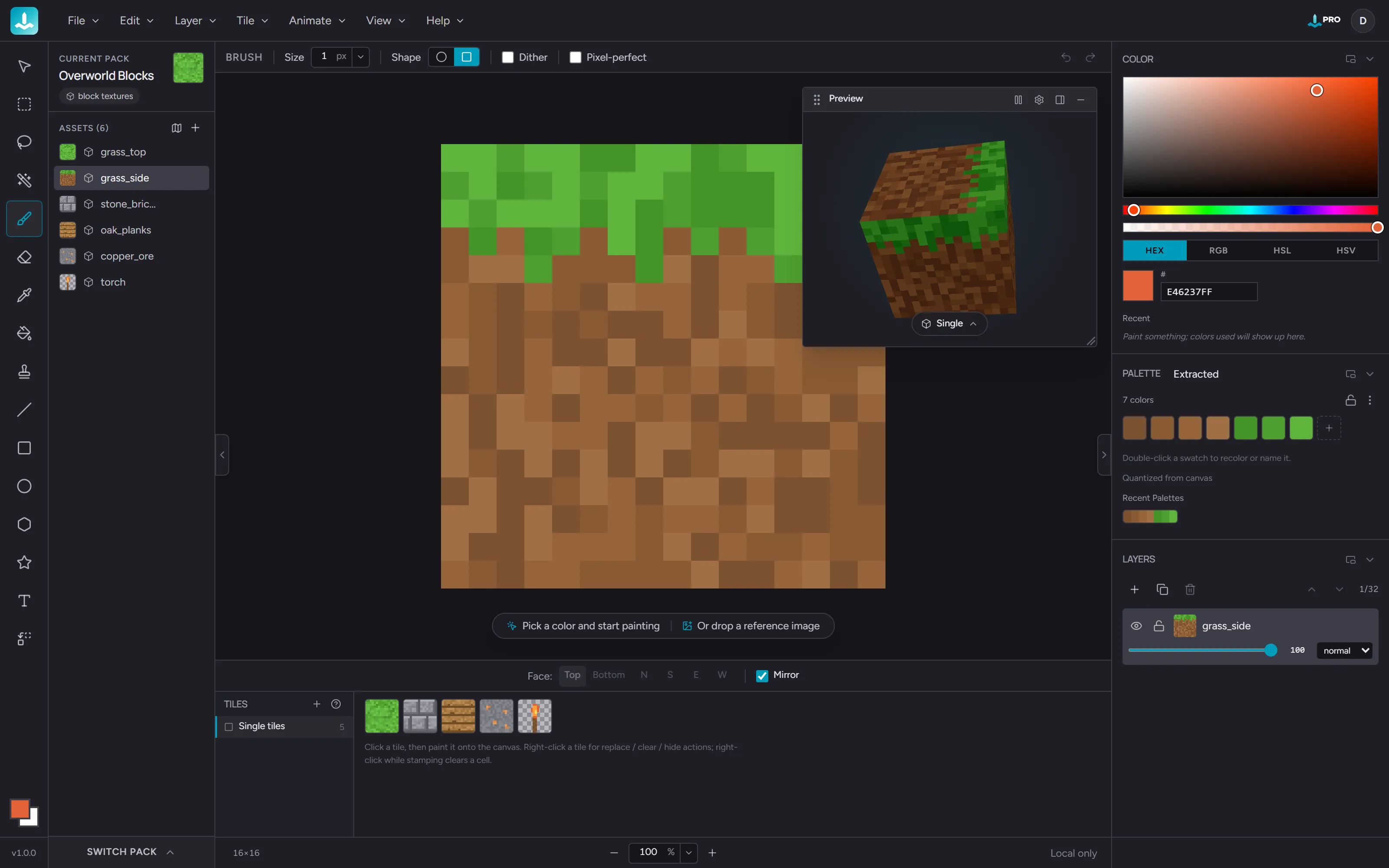
3D preview See the texture on real block geometry. Multiple shape modes including the L-stair seam test.
Layers and assets panels How layer ordering, multi-selection, and asset switching work in the right rail.
Tiles and tilemaps The Tile Shelf, tile stamping, imported and hand-drawn tilesets, generated and hand-drawn terrains, and live-updating maps.
Importing and exporting
Bringing images in, getting textures out.
Importing images Open a PNG as a new asset or as a layer. Drag-and-drop is supported too.
Export overview Pick the right scope, engine, and format for a single asset or your whole pack.
Minecraft Java Resource-pack-shaped output for Minecraft Java edition.
Tiled tilemap Tileset PNG, Tiled-ready TSX, and .tmx map files.
Going further
The longer reads.
Animation, frames, and cels How frames, tags, and per-layer cels fit together on the timeline.
Performance How Hexcalibur stays responsive on large canvases and pack-scope exports.